Five clients. Five voices, learned separately.
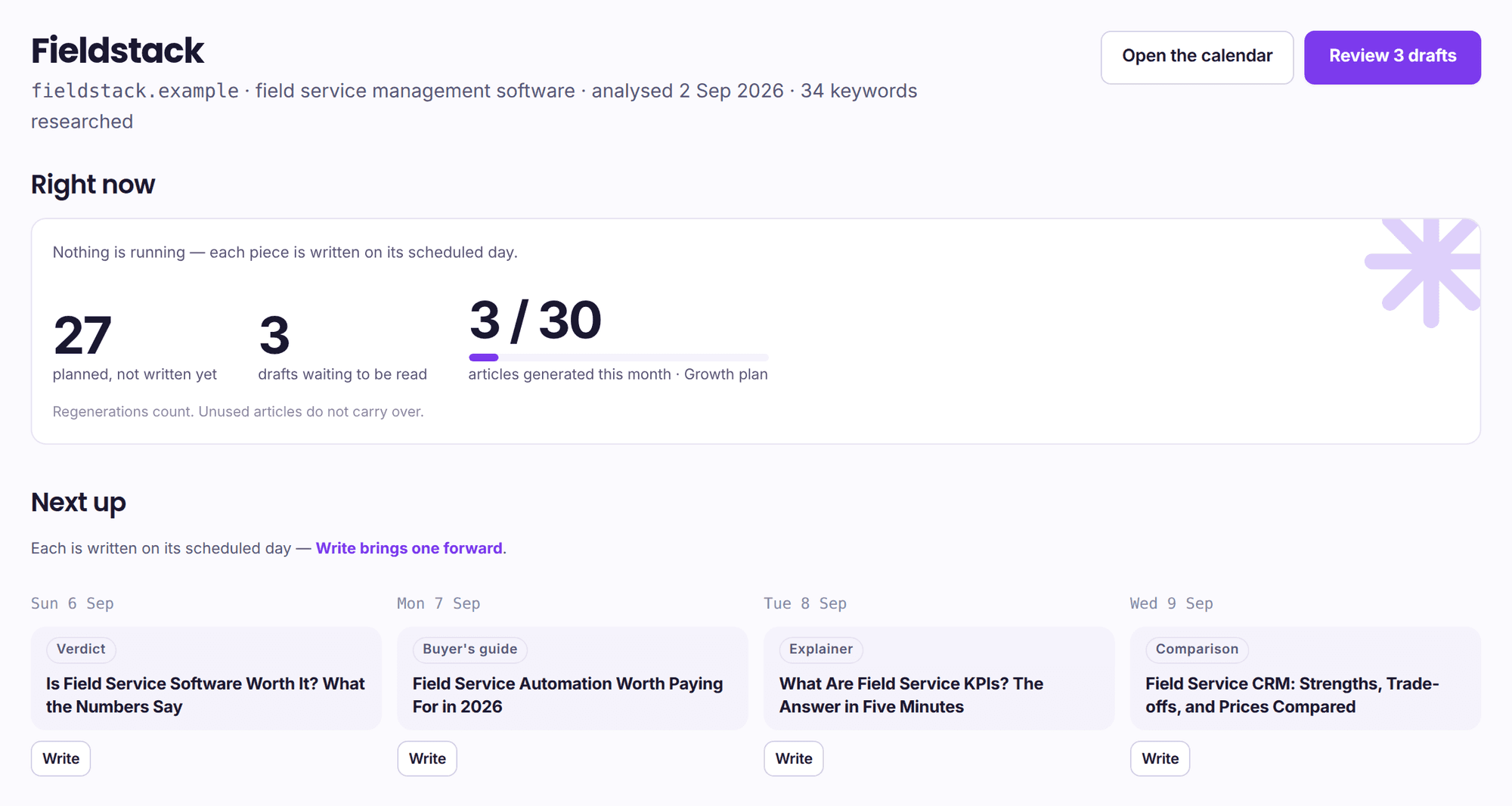
A project in Rankli is not a folder with a client name on it. It carries its own site analysis, its own measured brand voice, its own banned-phrase list, its own ranked keywords, its own calendar and its own CMS credentials. Switching client switches all of it. Nothing is shared between projects except the bill.
No agency has run a client on this yet. There is no retainer case study below, no logo wall and no “agencies save N hours a week”, because we would have to invent all three. What is below is what the software does, and you can hold us to every line of it inside a week.
Separation you can point at, not a filter on a shared workspace.
Every row below is stored against one project. Add a second client and a second copy of all of it appears; there is no account-level voice, no account-level keyword pool and no shared calendar for a piece to be filed under the wrong client from.
- Brand voice
- Measured from that client’s own pages — pronoun ratios, contraction density, spelling variant, sentence length — and stored as instructions a writer can follow. A second client’s site produces a second, unrelated set.
- Banned phrases
- Derived from the same crawl, and enforced as a hard check before a draft is allowed to exist. One client’s forbidden words never gag another client’s writer.
- Products and services
- What that site actually sells, read off its own product pages. It is what the on-topic check tests every draft against, so an article for the wrong client fails before anyone reads it.
- Keywords and clusters
- Researched, scored and clustered per project, with the phrase unique inside that project only. Two clients in the same niche keep two independent keyword sets and may legitimately target the same phrase.
- The 30-day calendar
- Planned from that project’s keywords at that plan’s cadence, and paced by its own scheduled days. Rescheduling one client’s Tuesday moves nothing else.
- The CMS connection
- One connection per project per platform, credentials write-only once saved. Five clients on five WordPress installs are five separate application passwords, and no screen ever reads one back out.
- Competitors and tracked prompts
- Named per project, because share of voice is comparative. A client’s rivals are usually another client’s irrelevance, and mixing them would corrupt both readouts.
- Search Console
- One Google property per project, synced daily on its own schedule. The clicks and impressions you show a client are that client’s property, never a total.
The switch is a server decision
- The switcher writes an httpOnly cookie and the server re-reads it on every request. Nothing in the browser is trusted with which client you are looking at.
- A requested project id is matched in memory against the projects the account actually owns, which are fetched with the tenant filter first. A forged or stale id falls back to your first project; it can never reach a lookup.
- Every read and every write in the product carries the account filter, and a query that forgets it fails the build rather than shipping.
- One project renders as a plain label rather than a menu. A dropdown that cannot switch to anything is worse than no dropdown.
What that costs you
- One session, one workspace at a time. There is no side-by-side view of two clients and no roll-up dashboard across all five.
- One bill and one card. Client sites are not separately invoiced and cannot be charged to different payers.
- One set of credentials. Everyone who signs in sees every client, so the login belongs to the agency, not to a client.
Three things resellers ask for that we do not have.
If any of these is the reason you are here, buy something else — and our comparison pages will tell you which. A tool that hid this until the second week of a retainer would deserve the churn.
- White-label reporting
- No agency branding, no client-facing PDF, no custom domain on a report. Everything a client sees would say Rankli on it, which is why most of our users would screenshot the readouts into their own deck instead.
- Client sub-accounts
- No per-client login and no read-only guest seat. Access is all-or-nothing: an account member sees every project in the account.
- A public API
- Nothing to script against, so you cannot pull a client’s numbers into an existing reporting stack. The one programmable surface is outbound — a webhook that posts a finished article wherever you want it.
And there is a hard ceiling. Agency stops at 5 sites and no plan above it exists, so client number 6 has nowhere to go. Two products on our comparison pages are honestly better for that: Arvow ships sub-accounts and white-label SEO reports today, and RankYak’s agency model prices every client site the same as the first with no cap at all.
You do not have to start at Agency.
Sites are an entitlement on the plan, checked when you add a project. Try to add one past the limit and the product refuses with the number and names the tier that raises it — at Agency it says instead that this is the most any plan includes.
The Trial covers 1 site for $1, which is the honest way to test the writing on a client you already have. Full ladder on the pricing page.
What an agency owner asks in the first ten minutes.
Is the article allowance shared across my clients?
No. The month’s allowance is counted against each project on its own, and each project’s calendar is planned at the plan’s full cadence. Generating a piece for one client does not spend another client’s month.
Can a client log in and see their own site?
Not today. There are no sub-accounts and no guest role — anyone you let in sees all 5 projects. What you can share is the output: connections publish as a draft by default, so the article lands in the client’s own CMS for them to read and approve there.
Can two clients publish to different platforms?
Yes. The connection belongs to the project, one per platform, so a WordPress client, a Webflow client and a Shopify store can sit side by side in the same account with separate credentials and separate draft-or-live settings. See the integrations for what each one needs.
What happens when a client leaves?
You delete the project, and deletion asks you to type that client’s domain first. Everything keyed to it goes with it — profile, keywords, calendar, drafts, connection and measurement history — and the slot frees up for the next client. There is no archive: deleted is deleted.
Do the AI-visibility numbers work per client?
Yes, and they have to: the tracked questions, the competitor list and the treated/control split are all held per project. Each site gets its own allowance of up to 1,200 questions rather than a share of one pool, and that count is what sets how small a change that client’s readout can tell apart from noise.
Put your least precious client on it first.
$1 once, 3 finished articles on one site in that client’s voice, and nothing renews. If the writing would embarrass you in front of them, you will know by Thursday and you will have spent a dollar.
Selling to software companies or to stores rather than to clients? Rankli for SaaS and Rankli for Shopify stores argue different points.