Four places it publishes, and the endpoint for each one.
An article that is finished but still in our database has not done anything for you. These four adapters are how it gets onto your site: a WordPress post, a Webflow collection item, a Shopify blog article, or a signed JSON POST to a URL you control. Each one is written against that platform’s own API, so each behaves differently, and these pages say how rather than showing you four logos.
They are not four skins on one integration.
Authentication, where the article lands, how “draft” is expressed and what happens to images: all four differ on all four counts. That is why there is a page for each rather than one page with a dropdown.
WordPress
REST API v2 over an application password. Images are uploaded into your own media library and the post is rewritten to point at your copies.
- Authenticates with
- an application password
- The article becomes
- a WordPress post, in the categories you choose, authored by the user you name
- Draft or live
- the post’s own status field — draft or publish
- Images
- uploaded to your media library first, then the HTML is rewritten to your URLs
Webflow
Data API v2. You pick the collection; staged and live are two different endpoints, and we never trigger a site-wide publish.
- Authenticates with
- a site API token with the cms:write scope
- The article becomes
- an item in the CMS collection you name, with its fields mapped to that collection’s own slugs
- Draft or live
- two different endpoints — a staged item flagged isDraft, or the /live item route
- Images
- the image field is handed a URL and Webflow re-hosts the file on its own CDN
Shopify
Admin REST on a pinned API version. Articles land in a blog you choose, and Shopify re-hosts the featured image on its CDN.
- Authenticates with
- an Admin API access token from a custom app with the write_content scope
- The article becomes
- an article inside one of your store’s blogs, tagged and attributed to an author name
- Draft or live
- the article’s published flag — true or false
- Images
- the featured image is a URL Shopify fetches and re-hosts; body images keep their original URLs
Webhook
A signed JSON POST to a URL you control. You get the finished article and decide what happens to it.
- Authenticates with
- a shared signing secret
- The article becomes
- an HTTP POST to your endpoint, and whatever your code does with it
- Draft or live
- nothing — the payload carries no status, so your receiver decides
- Images
- asset URLs are handed over as-is for you to copy; nothing is uploaded anywhere
Three fields, a test, and a choice about who sees it first.
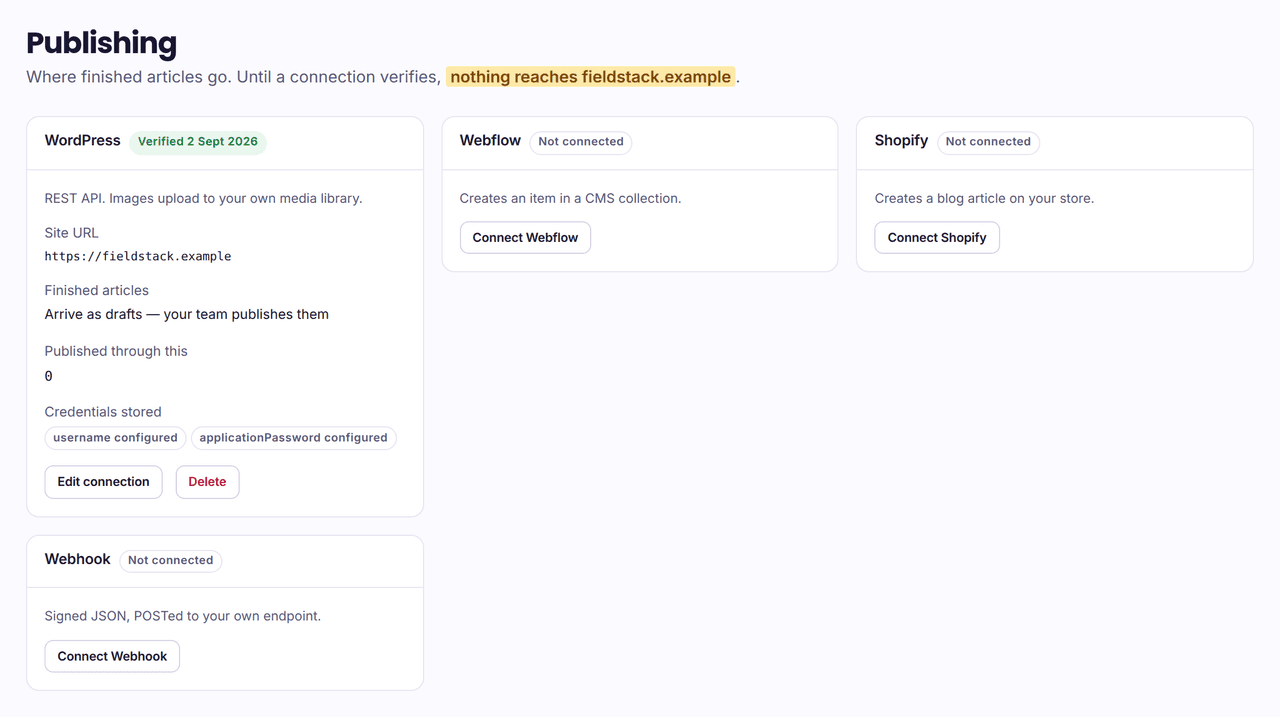
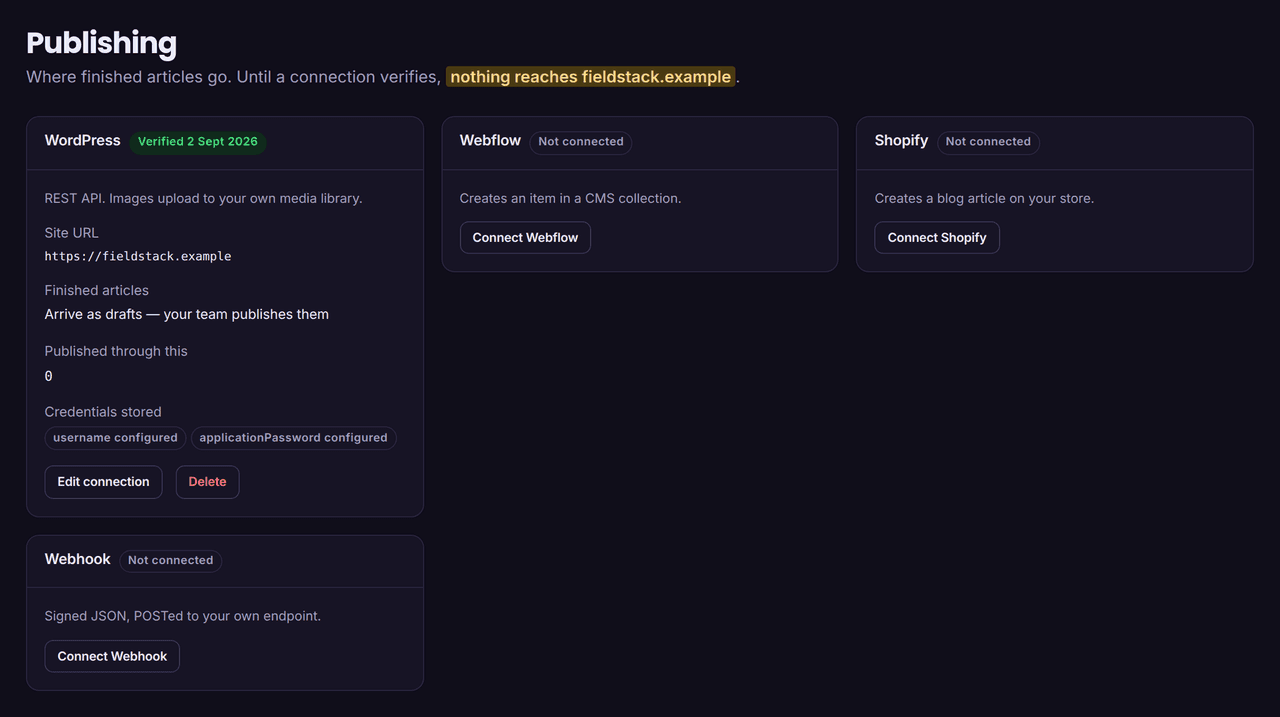
The form is the same shape for all four; the credential it asks for is not. Whichever you pick, the connection is saved unverified and stays unused until it passes a real call to your platform.
Give it the address of your site.
The site root for WordPress — not the admin URL, we add /wp-json ourselves. Your myshopify.com host or custom domain for Shopify, your published site for Webflow, and for a webhook, the endpoint we should POST to.
Paste the credential.
A WordPress application password, a Webflow site token, a Shopify Admin API access token, or a signing secret you generate. It is stored write-only: the form can overwrite it and can never show it back to you, and the key names are all the publishing screen knows about it afterwards.
Every error we store or display is scrubbed of it first, because a platform that echoes an Authorization header back in its error body must not put your password into a table our UI reads.
Test it, then choose draft or live.
Testing is a real request. It answers with who we authenticated as and, where the platform will tell us, whether that identity may publish — because “the token works” and “this user may create posts” are different claims, and the difference otherwise surfaces as a confusing failure weeks later.
Draft is the default. Change the URL or any credential afterwards and the connection returns to unverified until it is tested again — a green badge describing a password you have since replaced is worse than no badge at all.
Four rules that do not depend on which platform you use.
The adapters differ in almost every detail. These four things they do not differ on, because they are enforced before and after the adapter rather than inside it.
Nothing publishes until the credentials verify.
A connection is saved unverified and is not used. Verification is a real call to your platform — it reports who we authenticated as and, where the platform will say, whether that identity may publish at all. Change the URL or any credential and the connection goes back to unverified until it is tested again.
Draft or live is your choice, per connection.
Draft is the default: articles arrive unpublished and nothing is public until someone presses publish on your side. Choosing live is a deliberate switch, and the screen says in plain words that nobody on your team will see the article first.
A publish that fails is reported as failed.
The failure is stored against the article with the reason the platform gave, and the job is marked failed rather than done. A 4xx is treated as misconfiguration and is not retried — retrying bad credentials against your site is how one wrong password becomes an IP ban.
An article that fails a hard SEO rule never reaches this stage.
The publish step is only queued for a draft that passed review and that a model actually wrote. An article held back says which rule held it. That gate sits before every adapter, so it applies to all four equally.
The platforms people ask for that we do not have.
There is no adapter for any of these, and there is no point pretending otherwise on a site that sells content you can check.
- Ghost
- Wix
- Framer
- Notion
- Squarespace
The route that does exist.
All five have an API you can post to. The webhook integration hands your endpoint the finished article — title, slug, meta description, body HTML and its assets — signed, so you can write the twenty lines that turn it into a Ghost post or a Notion page. The payload and a verification snippet are printed on that page.
That is a real answer and it is also more work than clicking a button. If you want a one-click integration for one of these today, we are not the product for you yet.
Why we have not just added them.
Each of the four we do have is a few hundred lines that know how that platform refuses an image, how it distinguishes a draft, what its errors mean, and which of its failures are worth retrying. That is what makes a publish either work or explain itself.
A fifth logo with a generic HTTP call behind it would ship faster and break in ways nobody could diagnose. Four adapters we can support beats nine we cannot.
Straight answers.
Can I connect more than one platform to a site?
You can store a connection per platform, but a finished article is published to one of them: the publisher picks the oldest verified connection on the site. If you need the same article on two platforms at once, the webhook is the honest way to fan it out, because your endpoint can do that and ours cannot.
What happens if the same article publishes twice?
It updates rather than duplicating. The first publish records the id your platform gave it, and every later attempt for that article and that connection updates that post — even if the earlier attempt was recorded as failed, because a create that succeeded remotely and failed to be written down is exactly the case that produces two copies.
WordPress gets a second guard: before creating, we look the slug up on your site, which covers the window where the post was made but our record of it was not. Duplicating an article would split its own ranking signal across two URLs, which is the one thing an SEO product must never do to a customer.
Do you need admin access to my site?
You choose the identity. A WordPress application password is scoped to the user that created it, so an author-role account is enough to write drafts and is the sensible choice; verification reports whether that user may publish. Webflow needs cms:write and Shopify needs write_content — neither is an all-scopes token. The webhook needs nothing on your site at all beyond an endpoint that answers 2xx.
Can I turn publishing off and keep the writing?
Yes — a project with no verified connection never queues a publish. Articles are written, reviewed and kept as drafts you can read, edit and copy out as Markdown. Connecting a CMS is the step that makes anything leave our side.
Connect one, and read what turns up on it.
$1 once buys 3 finished articles on your own site, in your own voice, plus one measurement round. They arrive as drafts unless you say otherwise. Nothing renews.