Auto-post finished articles to your own WordPress.
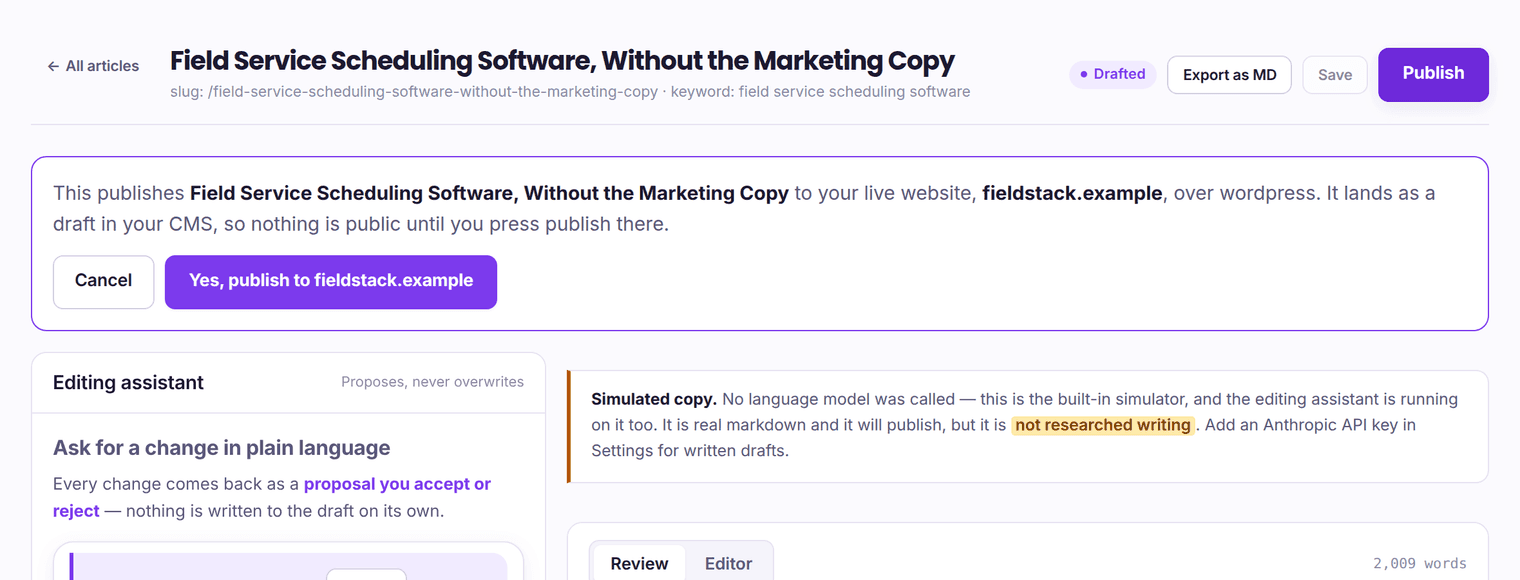
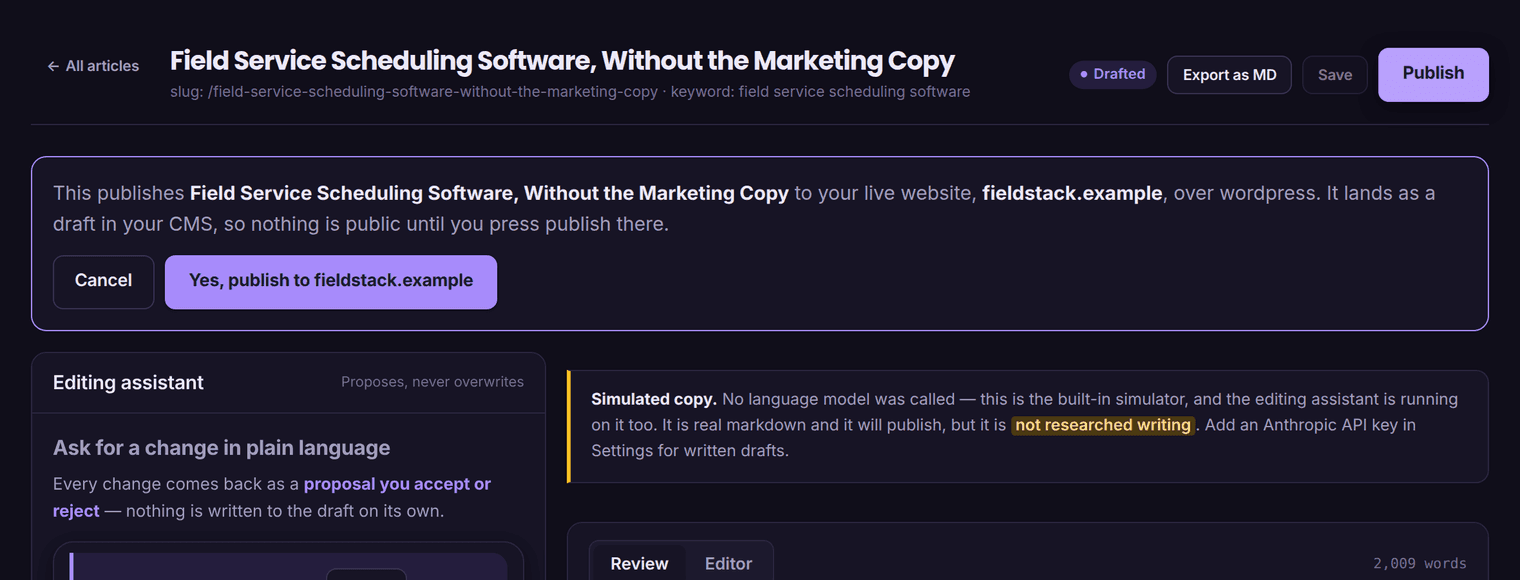
Rankli writes a 1,500–3,000-word article, checks it against rules that can fail it, and then creates it as a post on your site over the REST API — as a draft for someone to read, or live, whichever you chose when you connected. Images go into your media library first and the post is rewritten to point at your copies, because a post hotlinking our storage is a broken post the day we rotate buckets.
An application password, not your login.
An application password authenticates one application as one user, can be revoked on its own without changing your own password, and is what this integration uses. It is part of WordPress core; nothing has to be installed to issue one.
Create one under Users → Profile → Application Passwords.
Do it on the account you want posts authored as. WordPress shows the password once, in groups of four with spaces — paste it exactly as shown, spaces and all, or without them. Both work; the adapter normalises either.
Application passwords require HTTPS, and a few security plugins disable them outright. If the section is missing from your profile page, that is why.
Give us the site root and the username.
The site root — https://example.com — not the admin URL. We append /wp-json ourselves. The username is the WordPress account name the application password belongs to, not an email address; a 401 is very often those two being different people.
Test it, then pick categories and an author.
Testing calls /wp/v2/users/me?context=edit, which forces authentication and returns the user’s capabilities — so we can say “authenticated as Jane; this user can publish posts” rather than guessing. If publish_posts is not among them we say so, and posts will arrive as drafts pending review whatever else you choose.
The same pass reads your categories, up to a hundred, so you can pick from the real list. The author field is a numeric WordPress user id; leave it blank and posts are authored as the account above.
A post, with the fields WordPress has for them.
One POST /wp-json/wp/v2/posts. Nothing is written anywhere else on your site, and nothing is installed on it.
The fields we send.
- title, slug and content. The body is HTML converted from the article’s markdown, with inline image data preserved.
- excerpt. The meta description, so it is on the post whether or not you run an SEO plugin.
- status. draft or publish, from the connection.
- categories, author, featured_media. Only when there is something to send: the categories you picked, a numeric author id if you gave one, and the attachment id of the first image that uploaded.
- meta, only if an SEO plugin is actually installed — see beside.
Yoast and Rank Math, if you have them.
Before writing, we read /wp-json/ and look at the namespaces your site advertises. A yoast namespace means we can set _yoast_wpseo_metadesc; a rankmath one means rank_math_description. Neither present means we send no meta at all rather than keys the site will reject.
If the plugin is there but its REST meta is switched off, WordPress answers 400 mentioning meta — so we drop the meta and post again immediately. The description is a nice-to-have; the post is the product.
We do not read or write any other plugin’s fields, and we do not detect any other SEO plugin.
Into your media library, then the HTML is rewritten.
WordPress is the only one of our four with a real upload endpoint, so it is the only one where your post ends up owning its own pictures. Each image is fetched from our storage and POSTed to /wp/v2/media as bytes with a Content-Disposition filename; the body HTML is then rewritten to the source_url WordPress returns.
What goes in.
WordPress core keeps an allowlist of upload types, and these are the ones we attempt:
- image/jpeg
- image/png
- image/gif
- image/webp
- image/avif
Alt text cannot ride along on a binary upload, so it is set in a follow-up call to /wp/v2/media/{id}. The first image that uploads becomes the post’s featured_media.
What happens when one will not go in.
The article still publishes. An image WordPress refuses is skipped and the post is created regardless. A post missing one picture is a post, and it can be repaired next week; a post that never appears because a picture would not upload is a customer concluding the product does not work.
This is not a rare edge. With no image provider configured — the state every trial account is in — our illustrations are generated SVGs, and SVG is deliberately absent from the core allowlist because it is a script-carrying document. WordPress will never accept one, so we do not try twice.
Nothing is hotlinked in that case either: those illustrations are inline data URLs whose bytes are already inside the HTML, so the picture renders from the post itself and keeps working whatever happens to us. What is genuinely lost is the media-library copy and, for the first image, the featured image — no upload means no attachment id.
Six ways a WordPress publish fails, and what each one means.
A generic “publishing failed” is useless on a platform where the cause is usually a plugin you forgot you installed. Each of these is recognised on the way past and the message names the fix rather than the status code.
| What came back | What it means, and what fixes it |
|---|---|
| HTTP 401rest_not_logged_in | The username is not the account the application password was created under, the password was revoked, or application passwords are disabled on the site. Spaces in the password are not the cause — WordPress accepts it either way, and so do we. |
| HTTP 403 with a JSON body | Authenticated, but not allowed. Either the role cannot publish, or a security plugin — Wordfence, iThemes and their peers — is blocking the REST API for non-browser clients. Allowlist the REST API for this user. |
| HTTP 403 with an HTML body and a Cloudflare header | The request never reached WordPress. Add a WAF exception for the rankli-publisher user agent, or allow automated requests to /wp-json/. We detect this separately precisely because it looks identical to a permissions problem from inside WordPress. |
| HTTP 404, or any HTML where JSON was due | The REST API is not where we looked. Check the site URL, make sure permalinks are set to anything but Plain, and check no plugin disables the REST API. |
| HTTP 200, and an HTML page in the body | Usually permalinks set to Plain, so /wp-json is being served by index.php as a page — or a maintenance or security page has swallowed the route. Treated as a failure, not as a successful publish. |
| A redirect to a different hostname | We stop and name the host it pointed at, so you can correct the connection’s site URL. Following it would mean sending your application password to a domain you did not give us. |
http → https and www redirects are followed, with credentials.
fetch() drops the Authorization header across a redirect, correctly — which turns an ordinary http-to-https canonicalisation into a mystifying 401. So we follow redirects by hand, up to three hops, and re-issue the request with auth intact only when the destination is the same site, ignoring a leading www either side. Anywhere else is the last failure in the table above.
We identify ourselves, so you can allowlist us.
Every request carries rankli-publisher/1.0 (+https://rankbotic.vercel.app). Some WAF rules block requests with no user agent at all, and a recognisable product string is both politer and far easier to allowlist than a spoofed browser one would be.
Network blips, 429s and 5xx are retried with backoff and an honoured Retry-After. A 4xx never is: retrying bad credentials against your site is how some security plugins decide to IP-ban us, turning one wrong password into a broken integration.
Four rules that do not depend on which platform you use.
WordPress-specific behaviour above; these four are the pipeline’s, and they hold the same way for a Webflow or Shopify connection.
Nothing publishes until the credentials verify.
A connection is saved unverified and is not used. Verification is a real call to your platform — it reports who we authenticated as and, where the platform will say, whether that identity may publish at all. Change the URL or any credential and the connection goes back to unverified until it is tested again.
Draft or live is your choice, per connection.
Draft is the default: articles arrive unpublished and nothing is public until someone presses publish on your side. Choosing live is a deliberate switch, and the screen says in plain words that nobody on your team will see the article first.
A publish that fails is reported as failed.
The failure is stored against the article with the reason the platform gave, and the job is marked failed rather than done. A 4xx is treated as misconfiguration and is not retried — retrying bad credentials against your site is how one wrong password becomes an IP ban.
An article that fails a hard SEO rule never reaches this stage.
The publish step is only queued for a draft that passed review and that a model actually wrote. An article held back says which rule held it. That gate sits before every adapter, so it applies to all four equally.
Straight answers.
Do I have to install a plugin?
No. The REST API and application passwords are both in WordPress core. Nothing is installed on your site and nothing runs on it, and if you delete the connection the posts already there stay exactly where they are.
Will it ever create the same post twice?
Two guards stop that. Ours: the first publish records WordPress’s post id, and every later attempt for that article updates that post rather than creating one. Yours: before creating anything we look the article’s slug up on your site with status=any, and update what we find — which covers the case where our create call timed out but WordPress had already made the post.
What is not sent?
Tags, custom post types, scheduled publish dates, comment and ping settings, and block markup. The body is ordinary HTML, which the block editor takes as a classic block; it is not converted into Gutenberg blocks. Posts go to the posts endpoint only — there is no option to publish into a custom post type.
Is a password with full site access really necessary?
An application password inherits whatever its user can do, so create it on an account with the least you can live with — an author-role account is enough to write drafts, and verification will tell you it cannot publish so nothing is a surprise later.
On our side it is stored write-only: it can be replaced from the form and never displayed back, and every error message that could reach the interface or the database is scrubbed of it first, including the case where WordPress or a proxy echoes the Authorization header back at us.
Does it work on WordPress.com or multisite?
It talks to /wp-json/wp/v2 on the host you give it with an application password, so any site that serves that route with application passwords enabled will work — including one site of a multisite install, addressed by its own URL. We have not tested WordPress.com’s hosted plans, whose REST and authentication surface differs by tier, so we are not going to claim it.
Point it at a WordPress site and read what turns up.
$1 once buys 3 finished articles, written in your voice and posted to your site as drafts unless you say otherwise. Nothing renews.